Turn documents into AI-native interactive whiteboard videos.
Choose an AI character to bring each whiteboard video to life—connecting visual explanations with source-grounded Q&A and discussion.
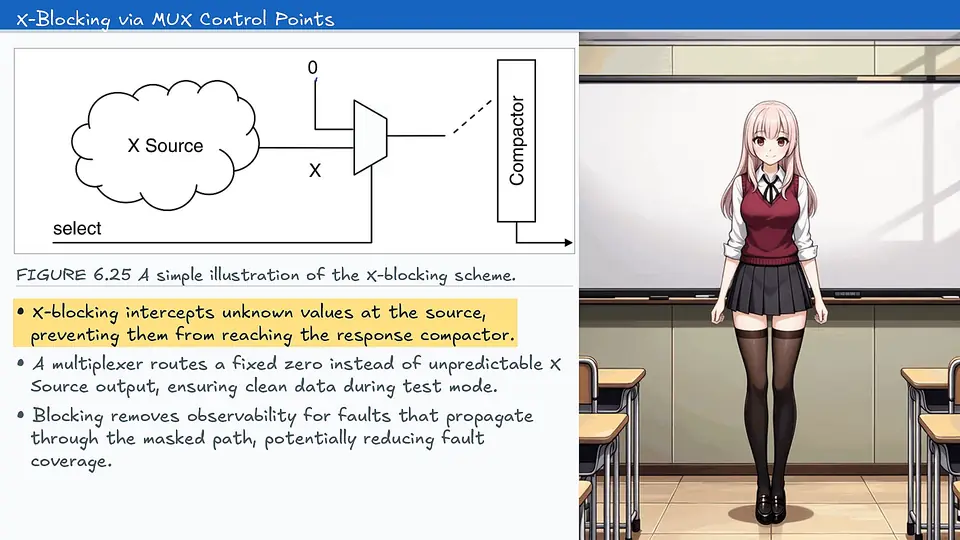
How it works
- 01
Select your content
Upload a PDF, PowerPoint, or images and choose the pages you want to explain.
- 02
Create the whiteboard video
docwhispr turns the content into an AI-native whiteboard video with narration, animated annotations, and editable slides.
- 03
Choose a character and discuss
Choose an AI character to connect the video with source-grounded Q&A, comments, and discussion.
Interactive whiteboard videos
Explore AI-native whiteboard videos created from real technical documents.
Built for knowledge that needs explaining
Turn engineering manuals, financial reports, process decks, and architecture diagrams into videos people can watch, question, and discuss.
Choose your AI character
Give each whiteboard video a character that connects the explanation with questions and discussion.
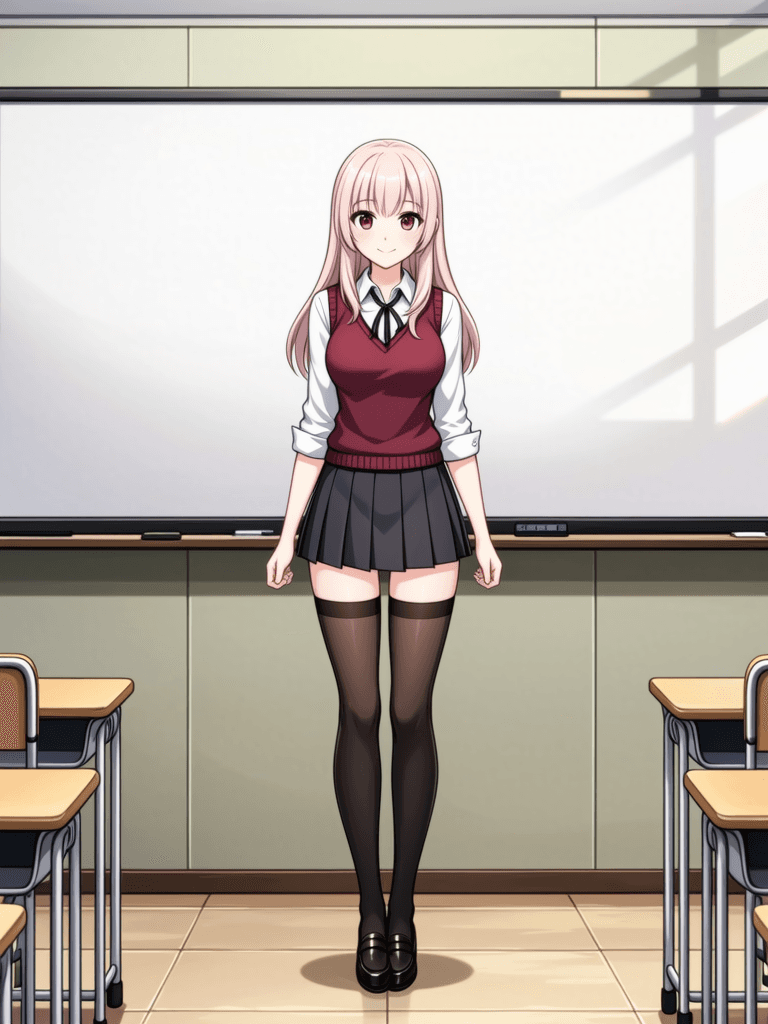
Tencents
Warm and lightly playful, with a clear and candid way of guiding the conversation.

Yuna
Gentle and quietly warm, with a soft helpful style that keeps clarifying questions easy.

Butterfly
Dreamy and curious, with light playfulness and an unhurried way through the board.
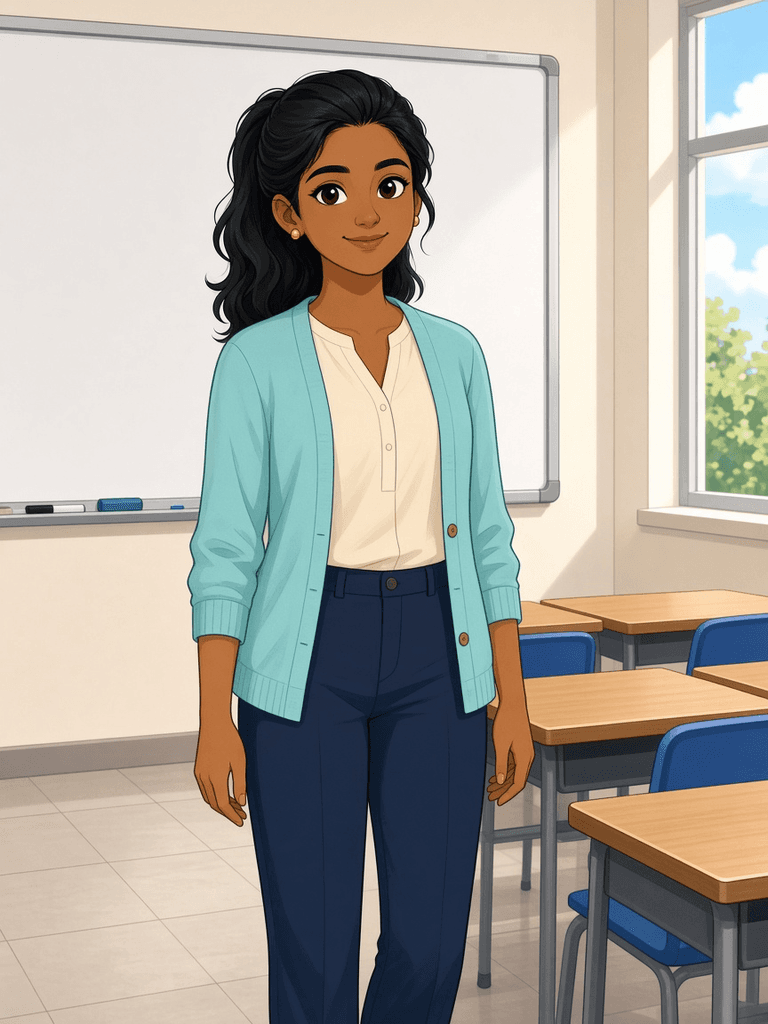
Meera
Warm and confident, with an encouraging style that makes hard ideas easier to ask about.
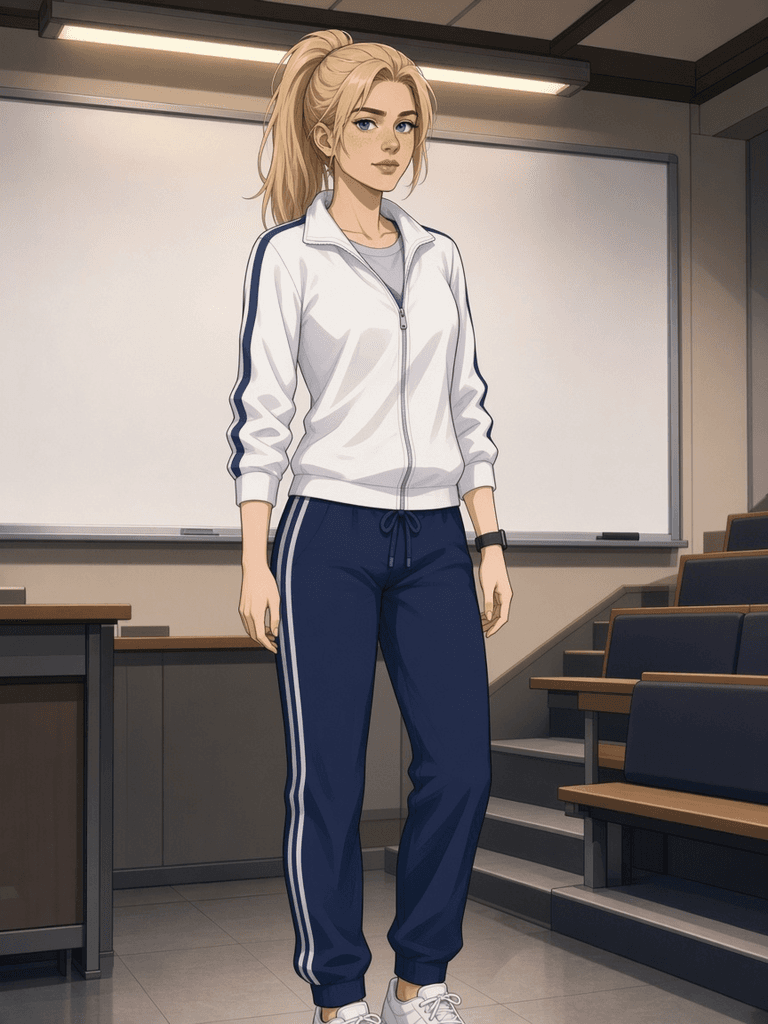
Elena
Calm and precise, with a structured style that keeps every key point clear.

Sota
Calm and approachable, with a steady style that makes the discussion easy to follow.
Frequently asked questions
What is docwhispr?
Turn PDFs, PowerPoints, and images into AI-native interactive whiteboard videos. Choose an AI character and add source-grounded Q&A and discussion.
What documents work best?
Manuals, datasheets, and training material with embedded figures work best, especially when the diagrams carry the meaning.
Can I edit slides after generation?
Yes. Edit slides in Excalidraw, adjust highlights, and regenerate the video without rerunning the full pipeline.
What does the AI character do?
The AI character brings presence to the whiteboard video and connects viewers with source-grounded questions, answers, and discussion.
Are answers grounded in my document?
Yes. Q&A uses the source document and lesson context so answers stay connected to the material being explained.
How does docwhispr compare with screen recording?
docwhispr creates an AI-native interactive whiteboard video, so you do not need to record a camera, narrate manually, or manage follow-up questions separately.
Is docwhispr the same as MacWhisper?
No. docwhispr turns documents into AI-native interactive whiteboard videos. MacWhisper is a macOS transcription app. See docwhispr vs MacWhisper.


